Architecture tools you can run from your AI.
Schedule, staff, program and check a project in the browser. Or tell the Claude or ChatGPT you already use, and watch it happen.
The library is free with an account. The tools are invitation-only while in beta.
What changes
What you get over a spreadsheet.
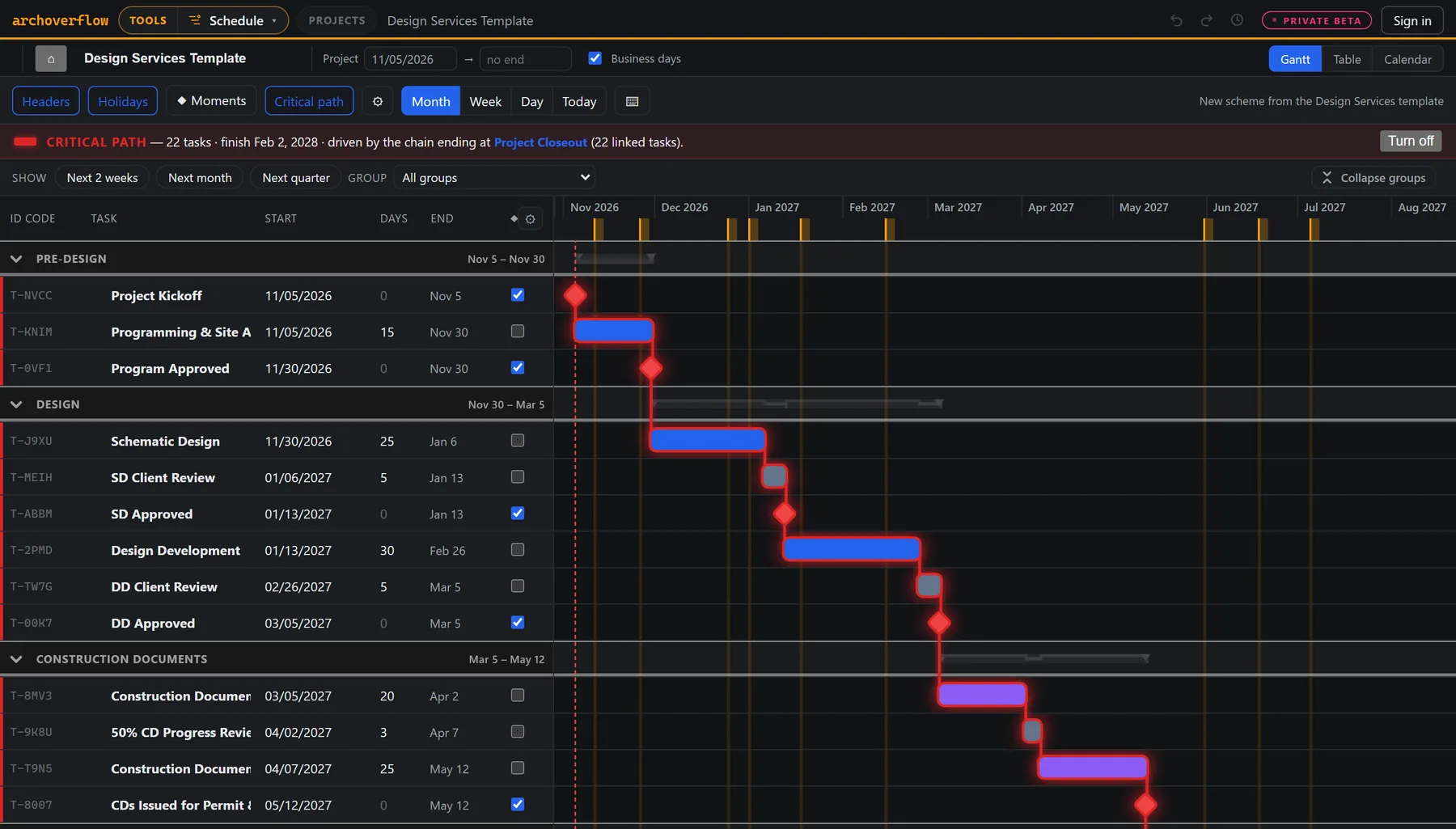
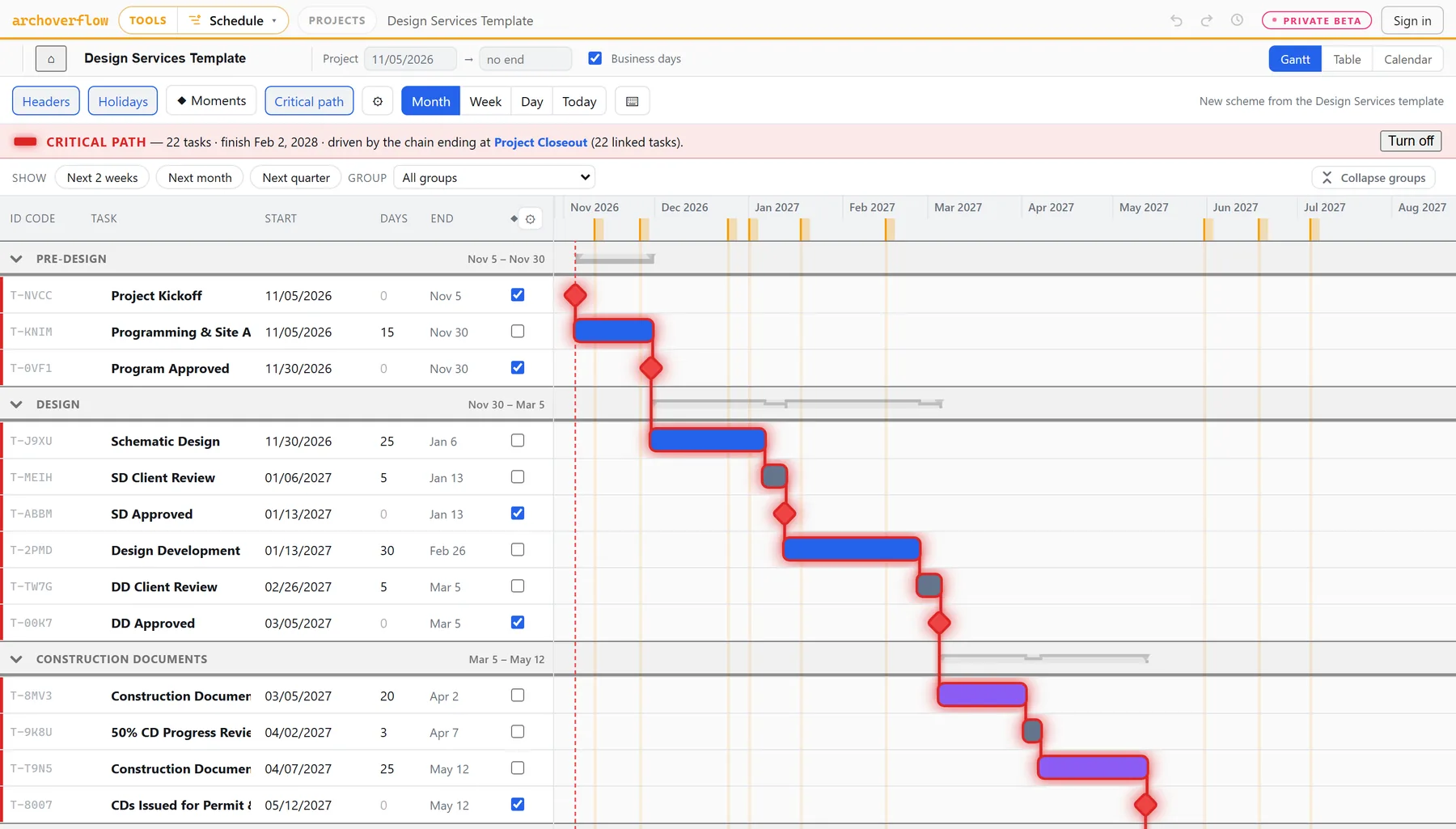
Move one date and everything downstream follows, in business days with holidays skipped.
A sheet list in a spreadsheet becomes a full drawing-set register in one request to your AI.
Installs, plugins and third-party trackers. It's a browser tab.
Every save is a version. Snapshot what you issued, compare against it, and restore anything.
The kit
Every tool works from the same project.
Each tool does one job well and saves into the same project. The schedule sets the deadlines, the staffing plan reads them, and wall checks use the project's own site. Click any of them to try a quick version right here.
Schedule
A Gantt that thinks like an architect. Phases as groups, agency reviews as lags, critical path and float, snapshots with compare, P6 codes kept exactly, and milestones you can subscribe to from your calendar.
Bullpen
Staffing against real deadlines. Holidays and time off come out first, and overbooked weeks turn red.
Wall Sections
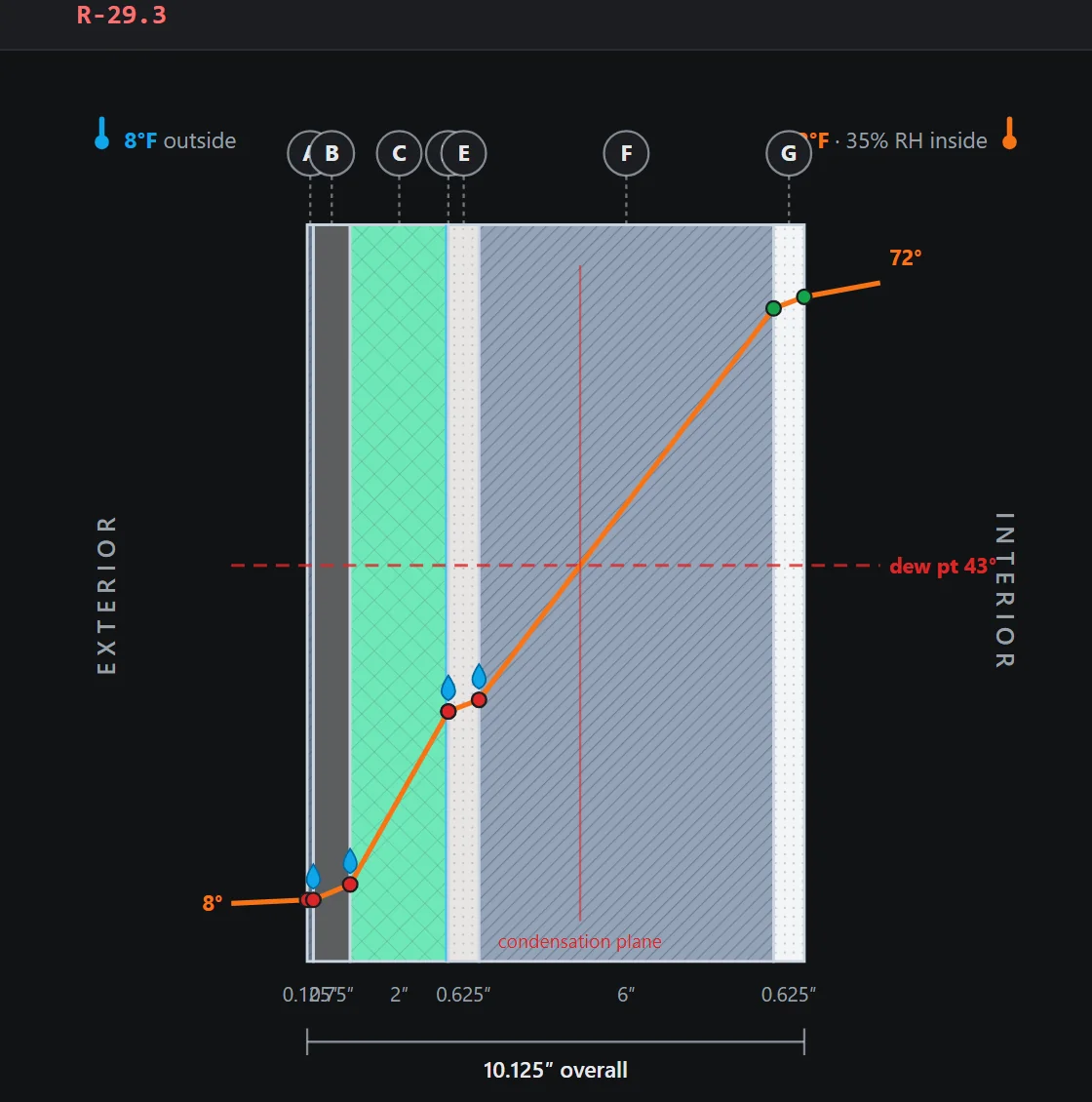
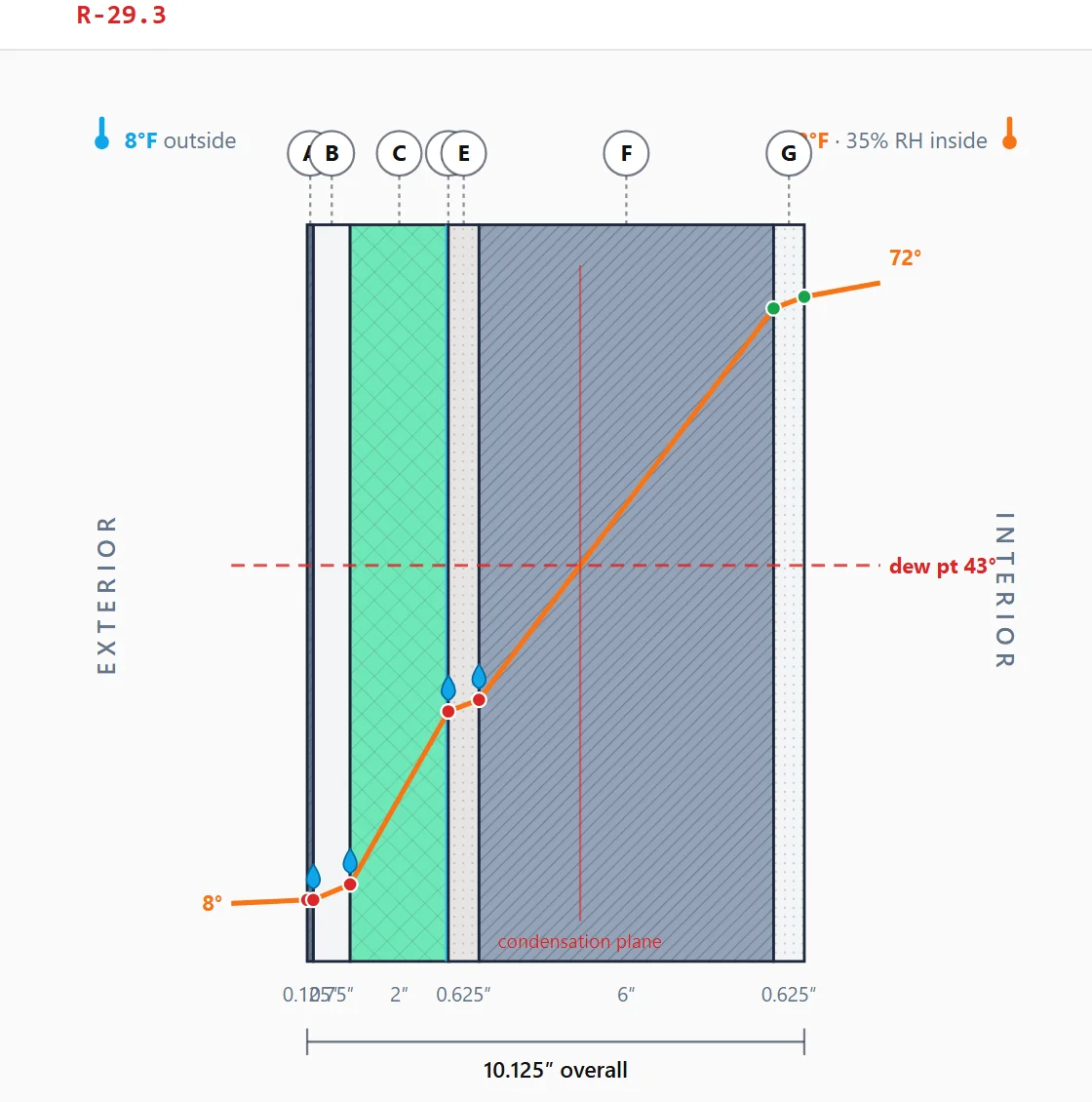
R-values, dew point and a code check, drawn to scale.
Climate suite
Wind, rain, thermal and sun path, from typical-year station data.
Cartoon Set
A sheet register with issue tracks and revisions, before the drawings exist.
Space Ledger
A square-foot target split into departments and rooms.
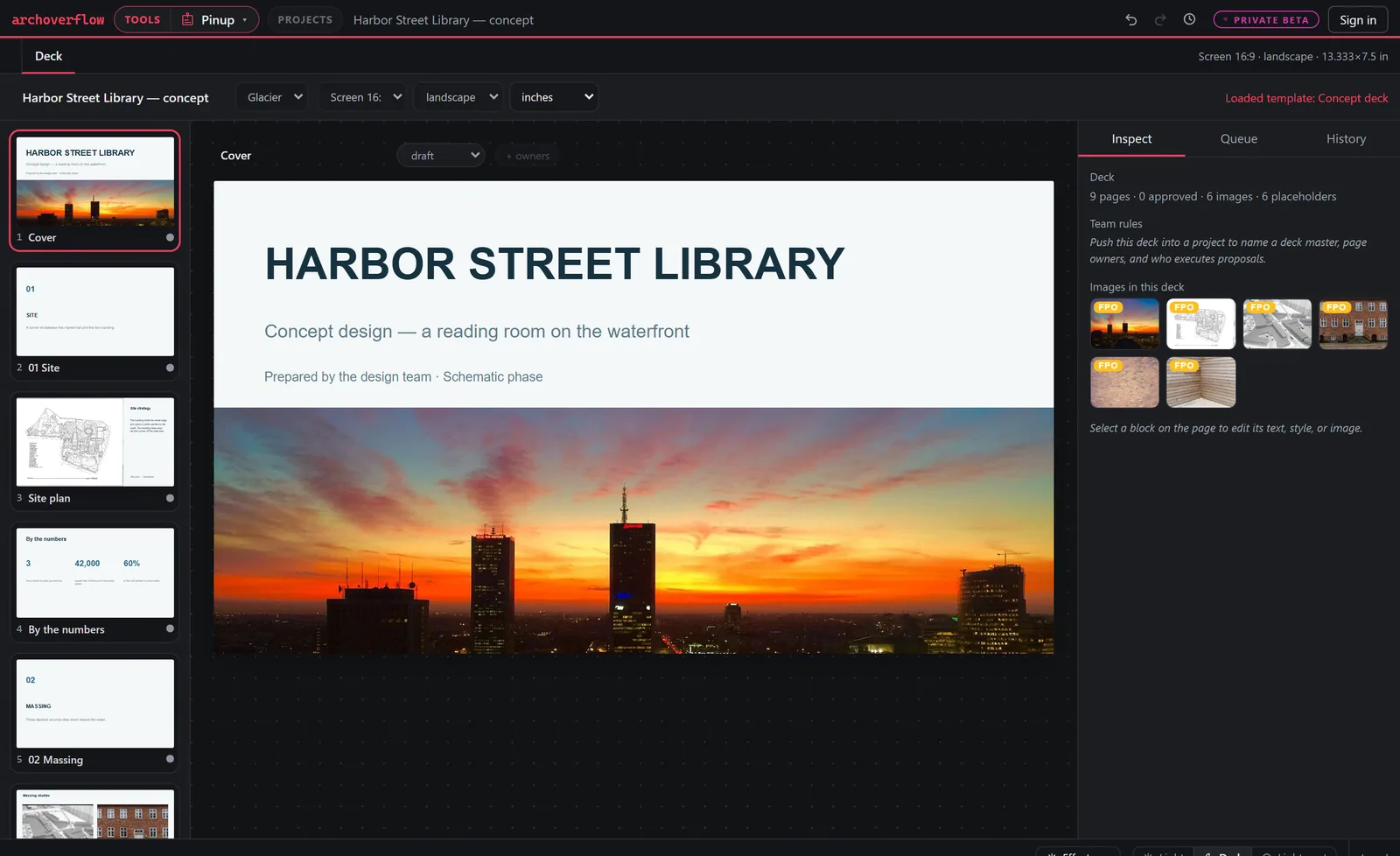
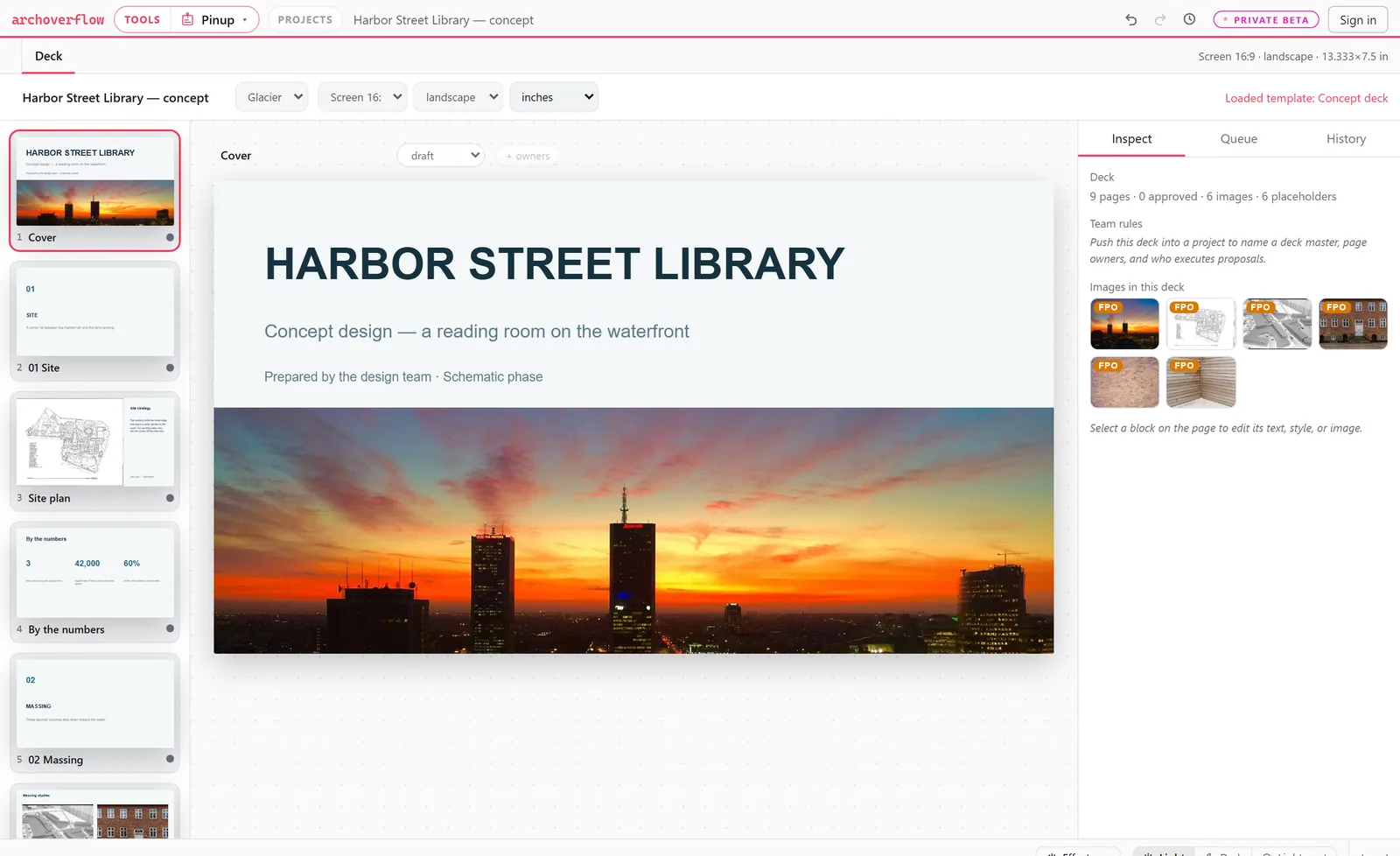
Pinup
Team decks with page owners and a change queue.
Revu kit + Color Lab
Bluebeam line styles and tool sets, plus palettes that print as a finish schedule.
Your AI, your projects
Ask like you'd ask a project architect.
Add one connector address to Claude or ChatGPT and approve it. Your assistant then works in your projects with your permissions, and every change it makes is a version you can undo.
What's due in the next two weeks on Alder Street?
Permitting slipped two weeks. Show me what moves before you save.
Here's the consultant sheet list. Make it a Cartoon Set with Permit and Construction tracks.
Add two inches of mineral wool outside the studs on the north wall.
Add a maker lab to Community. Are we still under the target?
What's the heating design temperature for this site?
Swap the cover image on the concept deck for the dusk rendering.
What changed since we issued for permit?
Find the library's articles on rainscreens and give me the key points.
The fine print, up front
How your data is handled.
No built-in AI
We send your content to no AI provider. If you connect an assistant, you chose it, and it works under that provider's terms.
Never training data
We never use your work to train AI. Your assistant only sees what you can see, and it can't share, invite or delete.
Nothing shared by default
View-only links stay off until you turn them on. Turn one off and it closes everywhere. Add clients and consultants as viewers or editors.
The library
Articles for practicing architects.
- Insulation & R-Values technical
- Conformed Set standards
- Open to Below; Open to Above standards
- Masking Region vs Filled Region revit
- Concrete Problems technical
- Mixing AutoCAD with Revit workflow
Questions
What firms usually ask.
What does this cost?
Nothing, for now. Every tool is free while we’re in private beta, and early members help shape what they become. As the tools mature, some will grow into paid plans. When that happens you’ll hear from us well ahead of time, and nothing changes for you without notice.
Does this replace Revit?
No. It covers the work around the drawings: schedules, staffing, programs, sheet lists and envelope checks.
Do we install anything?
No. It runs in a browser tab. The Bluebeam tools download standard files that Revu imports.
Do I need an AI subscription?
No. Every tool works on its own. Connecting Claude or ChatGPT is optional.
Are the code checks official?
They're planning aids. Verify values with the adopted code and the authority having jurisdiction.
Can the whole firm use it?
Yes. Firm accounts share projects, and members are owners, admins or members. Staffing plans live in firm projects.
Any ads or trackers?
None. No third-party scripts and no cookie banner. Page counts are first-party and cookieless.
Start with a free account.
Join free and read everything today. Tell us what you design, and we'll send a tools invite when a seat opens.