

Protected: V-Ray Revit: Why I’m Trying to Quit Chaos – 2024 Review
There is no excerpt because this is a protected post.
There is no excerpt because this is a protected post.
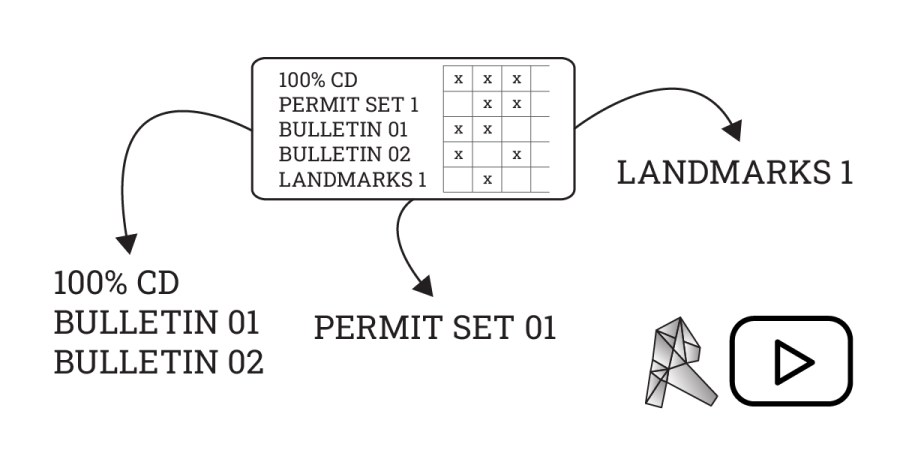
Detailed and In depth Guide. Follow along the video to learn more about the Revit sheet list, Revit issuance tool, and how to customize these so that you can track sheet sheet issuance history, as well as seamlessly show different issuance paths on the Revit titleblock. (no add-ins or dynamo used)

Integrating AutoCAD and Revit within architectural workflows presents unique challenges and benefits. While not ideal for pure BIM, a mixed approach can leverage Revit's coordination and auto-naming while retaining existing CAD details, offering a strategic transition or a persistent hybrid solution. Careful planning is crucial to manage graphic consistency, avoid double work, and ensure a clear division of tasks between the two platforms.
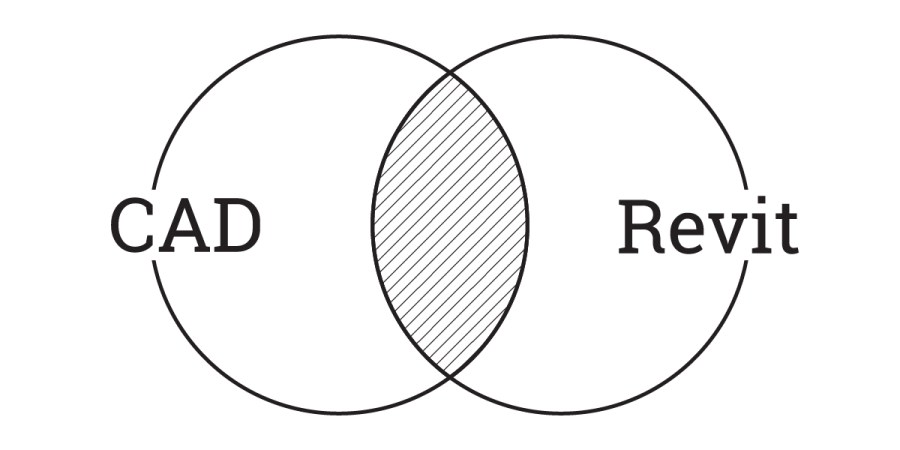
Integrating AutoCAD and Revit within architectural workflows presents unique challenges and benefits. While not ideal for pure BIM, a mixed approach can leverage Revit's coordination and auto-naming while retaining existing CAD details, offering a strategic transition or a persistent hybrid solution. Careful planning is crucial to manage graphic consistency, avoid double work, and ensure a clear division of tasks between the two platforms.
Discover a straightforward method to pinpoint detail group locations within Revit files without relying on Dynamo. This guide offers a quick approach to identify all instances of a detail group and their placements across various views and sheets. Learn how to export a comprehensive list, understand outputs for worksharing and non-workshared models, and troubleshoot common grouping errors, ensuring efficient management of your Revit projects.

When working in architectural software, the choice between masking regions and filled regions can significantly impact your workflow and output. This article delves into the nuances of each, exploring their behavior in families, selection within symbols, and crucial differences during CAD export. Understanding these distinctions is key for professionals seeking to optimize their project documentation and ensure accurate representations, particularly when dealing with complex elements and external coordination.

This article presents a clever workaround for a common challenge in Revit: scheduling building level heights. While Revit easily provides level elevations, determining individual floor heights requires a different approach. By utilizing a mass to calculate the perimeter and volume of space on each floor, users can derive accurate height values. This method ensures that floor heights instantly update with any level changes, offering a dynamic and efficient solution for architects and designers.
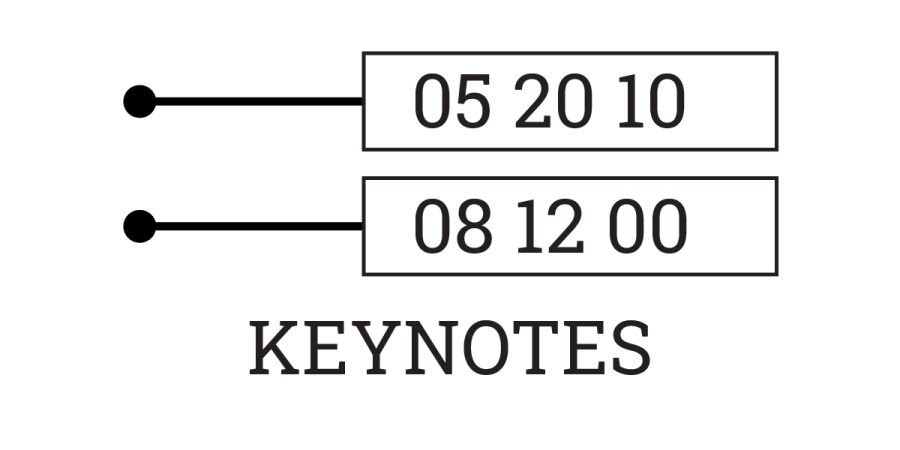
Revit keynotes offer a powerful, yet often underutilized, approach to annotation beyond traditional specifications. By referencing external text files, keynotes streamline coordination across multiple drawing types and families, significantly reducing manual updates and ensuring greater consistency. This method, particularly when leveraging collaborative platforms like Google Sheets for managing keynote data, enhances efficiency and accuracy in architectural documentation, making it a valuable tool for firms seeking to optimize their workflow and improve drawing clarity.
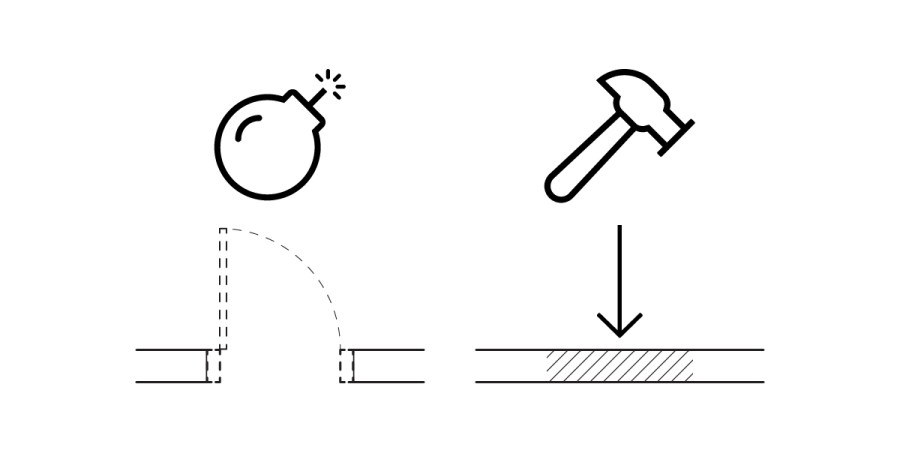
In Revit, managing demolition infill for hosted elements like doors can be challenging, as the automatically generated infill often misrepresents new construction. This article outlines a practical workaround: by assigning a specific MARK value to the infill geometry, users can apply a custom hatch override via a filter. This method ensures accurate documentation and visual representation of new construction infill, improving clarity in architectural drawings.

Encountering the "Workset File Already Exists" error in Revit can be a perplexing issue, especially given the lack of clear Autodesk documentation. This post delves into our investigation, revealing that the problem likely stems from Revit's automatic backup system, particularly with large files and high backup counts. We outline a tested solution to resolve this sync error without data loss, ensuring your team can resume work efficiently.

Navigating Revit's title block family can be challenging. This guide offers essential tips and tricks, drawing from years of experience. Learn how to effectively manage company logos, handle architect's stamps, and optimize sizing for various sheets. Discover best practices for margins, dimensions, and the strategic use of draft text to streamline your workflow and avoid common pitfalls in Revit title block creation.

Dynamo, an open-source add-in for Revit, offers a visual programming interface for computational design and automation. Its community-driven development fosters a rich resource of solutions and expert knowledge, particularly through its forums. Users can extend its capabilities with custom Python code, leveraging the Revit API. The Dynamo Player streamlines script execution, making it a valuable tool for architectural professionals seeking efficient workflows and tailored solutions.

Using Dynamo for find and replace offers a powerful solution for Revit users to modify data inaccessible through standard tools, such as room names, sheets, and views. This guide details how to set up a simple Dynamo definition, enabling efficient corrections for misspellings, terminology updates, or client-driven naming conventions, ensuring accuracy and consistency across projects.

Maintaining optimal Revit file size and performance is crucial for efficient project delivery in architecture. While there's no single solution, a combination of strategies is key to managing file bloat and ensuring smooth operation. This guide provides actionable tips, from purging unused elements to optimizing models and handling external data, helping BIM coordinators and designers proactively control file growth and enhance productivity.