

Revit, How to Show Demo Infill for Doors
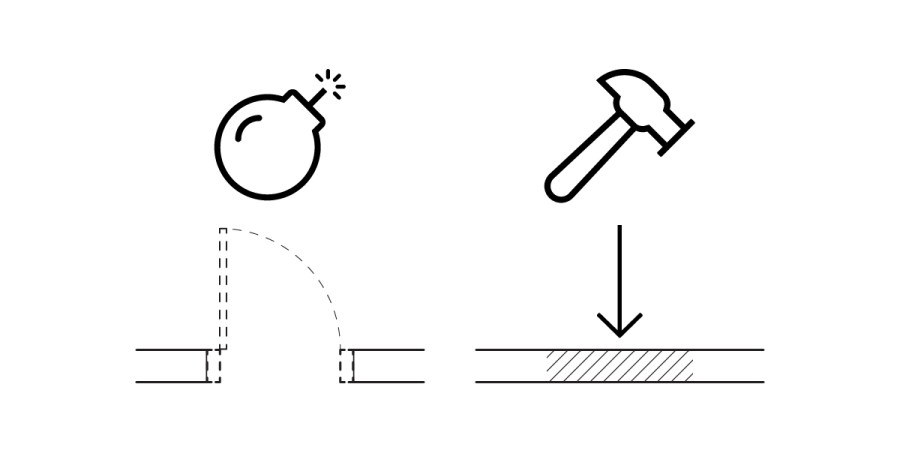
In Revit, managing demolition infill for hosted elements like doors can be challenging, as the automatically generated infill often misrepresents new construction. This article outlines a practical workaround: by assigning a specific MARK value to the infill geometry, users can apply a custom hatch override via a filter. This method ensures accurate documentation and visual representation of new construction infill, improving clarity in architectural drawings.