Back in beta! Stay tuned.

tutorial

Making a PAT file from a Picture
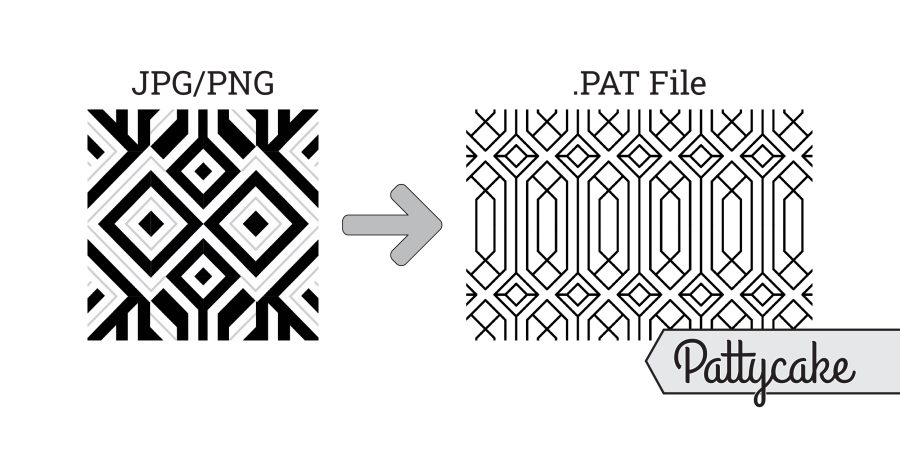
A bold geometric black-and-white pattern Picture labeled JPG/PNG is shown on the left, with an arrow pointing to a similar, thinner-lined design labeled PAT file on the right. “Pattycake” appears in a tag at the bottom right.

Crafting PAT files from images for architectural documentation can be a nuanced process. This guide explores leveraging Pattycake and Revit, focusing on Pattycake's Drawing Canvas for pattern representation. It delves into critical aspects like module size, simplifying with the Least Common Multiple to avoid import issues, and understanding PAT file limitations for precision. Learn to optimize your workflow for professional architectural applications.
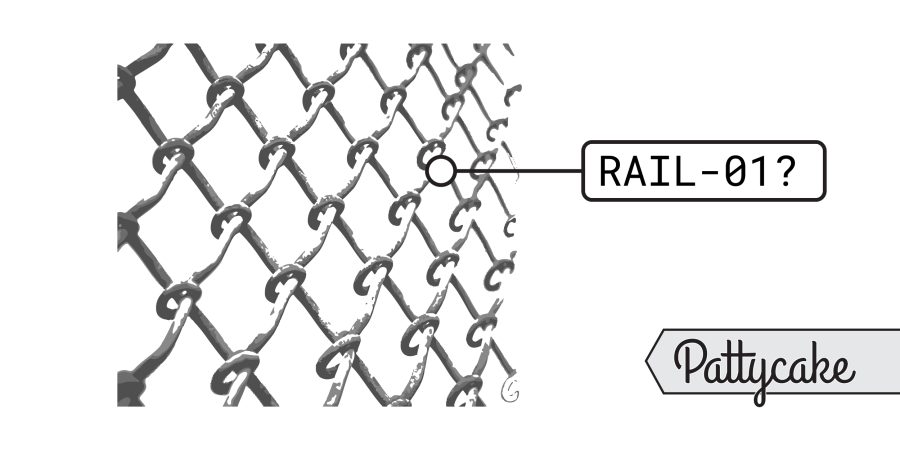
How To Document a Custom Railing Pattern

A close-up of a chain-link fence is shown. One link is highlighted with a label reading RAIL-01? and the word Pattycake appears in stylized text at the bottom right corner, referencing custom railing pattern documentation.

Custom patterns are increasingly integrated into architectural components, driven by advancements in laser cutting and CNC machinery. This guide focuses not on design, but on the crucial process of documenting these unique patterns effectively. Understanding the end goal—representation rather than literal modeling—is key. The article emphasizes using PAT files and detailed callouts, along with layout diagrams and renderings, to ensure precise communication of design intent to manufacturers and contractors, ultimately streamlining project delivery.

Revit Area Totals and Rounding

A Revit diagram with six labeled rectangles in two rows displays: 40 SF, 64 SF, and 86 SF above; 86 SF, 64 SF, and 40 SF below. Each rectangle is outlined with dashed lines to help visualize area totals and rounding.

Integrating AutoCAD and Revit within architectural workflows presents unique challenges and benefits. While not ideal for pure BIM, a mixed approach can leverage Revit's coordination and auto-naming while retaining existing CAD details, offering a strategic transition or a persistent hybrid solution. Careful planning is crucial to manage graphic consistency, avoid double work, and ensure a clear division of tasks between the two platforms.

Revit, Find Detail Group Locations Across a File, Without Dynamo

A simple black and white line drawing of a folded map with three location pins placed on different sections, symbolizing how to find detail group locations in Revit without Dynamo.

Discover a straightforward method to pinpoint detail group locations within Revit files without relying on Dynamo. This guide offers a quick approach to identify all instances of a detail group and their placements across various views and sheets. Learn how to export a comprehensive list, understand outputs for worksharing and non-workshared models, and troubleshoot common grouping errors, ensuring efficient management of your Revit projects.

Revit, How to Schedule Building Level Heights

A shaded vertical rectangle is intersected by three horizontal dashed lines; on the right, a vertical dashed line with three double arrows points between corresponding horizontal lines, illustrating Building Level Heights in Revit.

This article presents a clever workaround for a common challenge in Revit: scheduling building level heights. While Revit easily provides level elevations, determining individual floor heights requires a different approach. By utilizing a mass to calculate the perimeter and volume of space on each floor, users can derive accurate height values. This method ensures that floor heights instantly update with any level changes, offering a dynamic and efficient solution for architects and designers.

Revit Keynotes

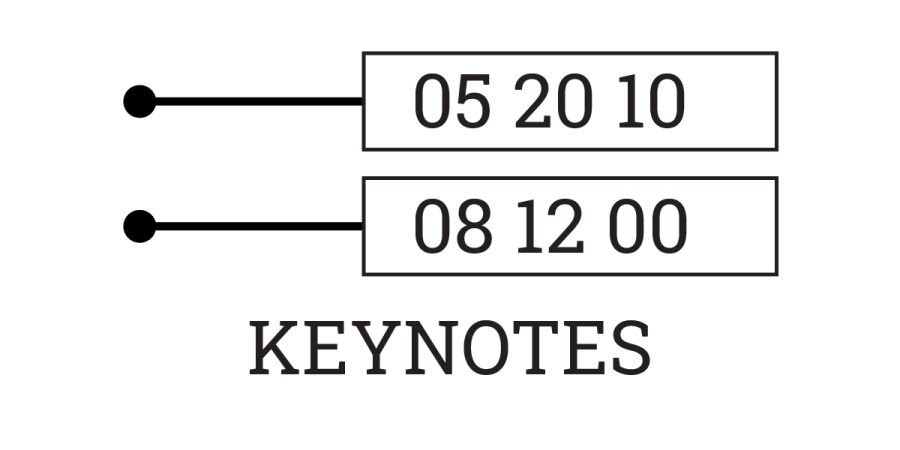
Two horizontal lines with black dots on the left point to two boxes containing the numbers 05 20 10 on top and 08 12 00 below. The word KEYNOTES in bold capitals appears underneath, referencing Revit Keynotes for detailed annotations.

Revit keynotes offer a powerful, yet often underutilized, approach to annotation beyond traditional specifications. By referencing external text files, keynotes streamline coordination across multiple drawing types and families, significantly reducing manual updates and ensuring greater consistency. This method, particularly when leveraging collaborative platforms like Google Sheets for managing keynote data, enhances efficiency and accuracy in architectural documentation, making it a valuable tool for firms seeking to optimize their workflow and improve drawing clarity.

Revit, How to Show Demo Infill for Doors

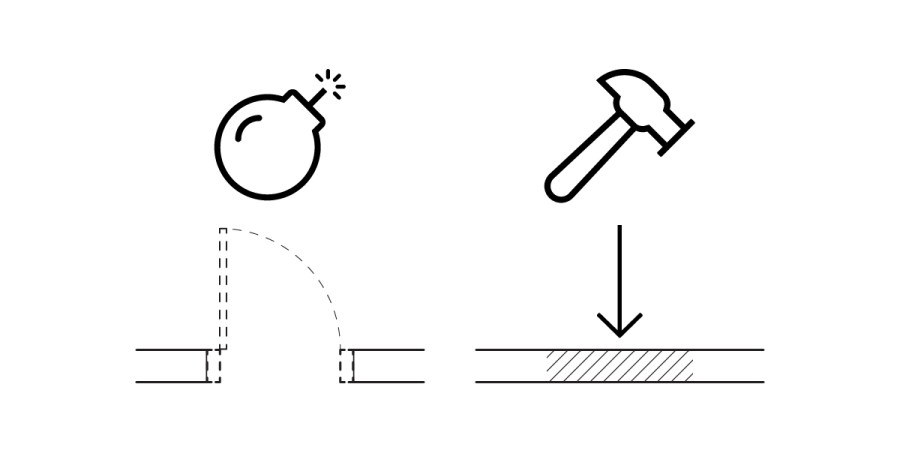
A black and white illustration shows a bomb breaking a bridge on the left and a hammer driving straight down onto a surface on the right, with arrows indicating the direction of force, similar to how demo infill is shown in Revit.

In Revit, managing demolition infill for hosted elements like doors can be challenging, as the automatically generated infill often misrepresents new construction. This article outlines a practical workaround: by assigning a specific MARK value to the infill geometry, users can apply a custom hatch override via a filter. This method ensures accurate documentation and visual representation of new construction infill, improving clarity in architectural drawings.