

Protected: V-Ray Revit: Why I’m Trying to Quit Chaos – 2024 Review
There is no excerpt because this is a protected post.
There is no excerpt because this is a protected post.
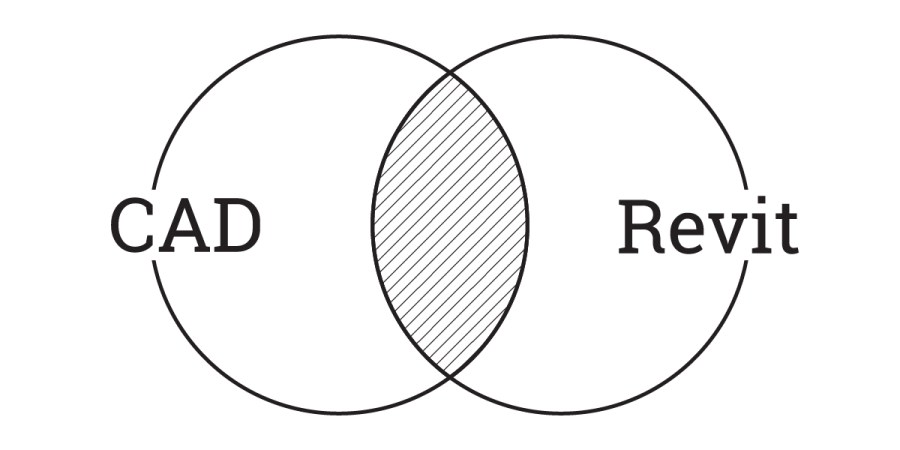
Integrating AutoCAD and Revit within architectural workflows presents unique challenges and benefits. While not ideal for pure BIM, a mixed approach can leverage Revit's coordination and auto-naming while retaining existing CAD details, offering a strategic transition or a persistent hybrid solution. Careful planning is crucial to manage graphic consistency, avoid double work, and ensure a clear division of tasks between the two platforms.

This article presents a clever workaround for a common challenge in Revit: scheduling building level heights. While Revit easily provides level elevations, determining individual floor heights requires a different approach. By utilizing a mass to calculate the perimeter and volume of space on each floor, users can derive accurate height values. This method ensures that floor heights instantly update with any level changes, offering a dynamic and efficient solution for architects and designers.
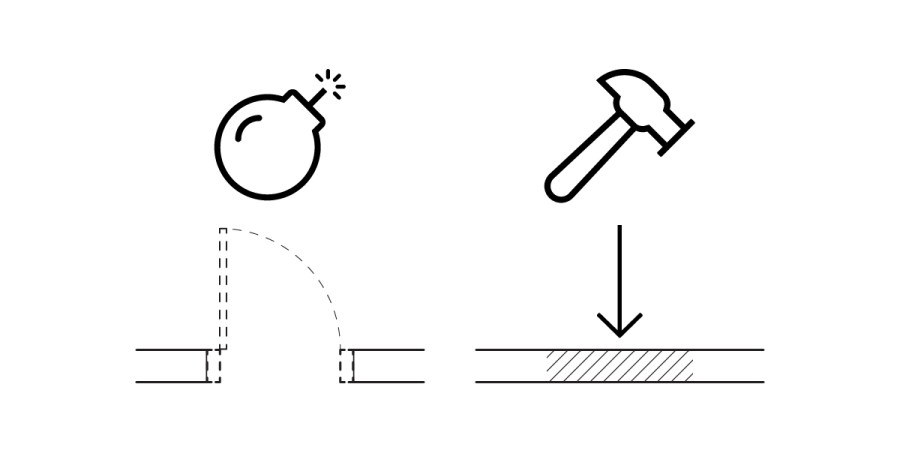
In Revit, managing demolition infill for hosted elements like doors can be challenging, as the automatically generated infill often misrepresents new construction. This article outlines a practical workaround: by assigning a specific MARK value to the infill geometry, users can apply a custom hatch override via a filter. This method ensures accurate documentation and visual representation of new construction infill, improving clarity in architectural drawings.